 Hive
Hive
fix(server): restore Noora table layout in docs markdown
GitHub issue · Closed
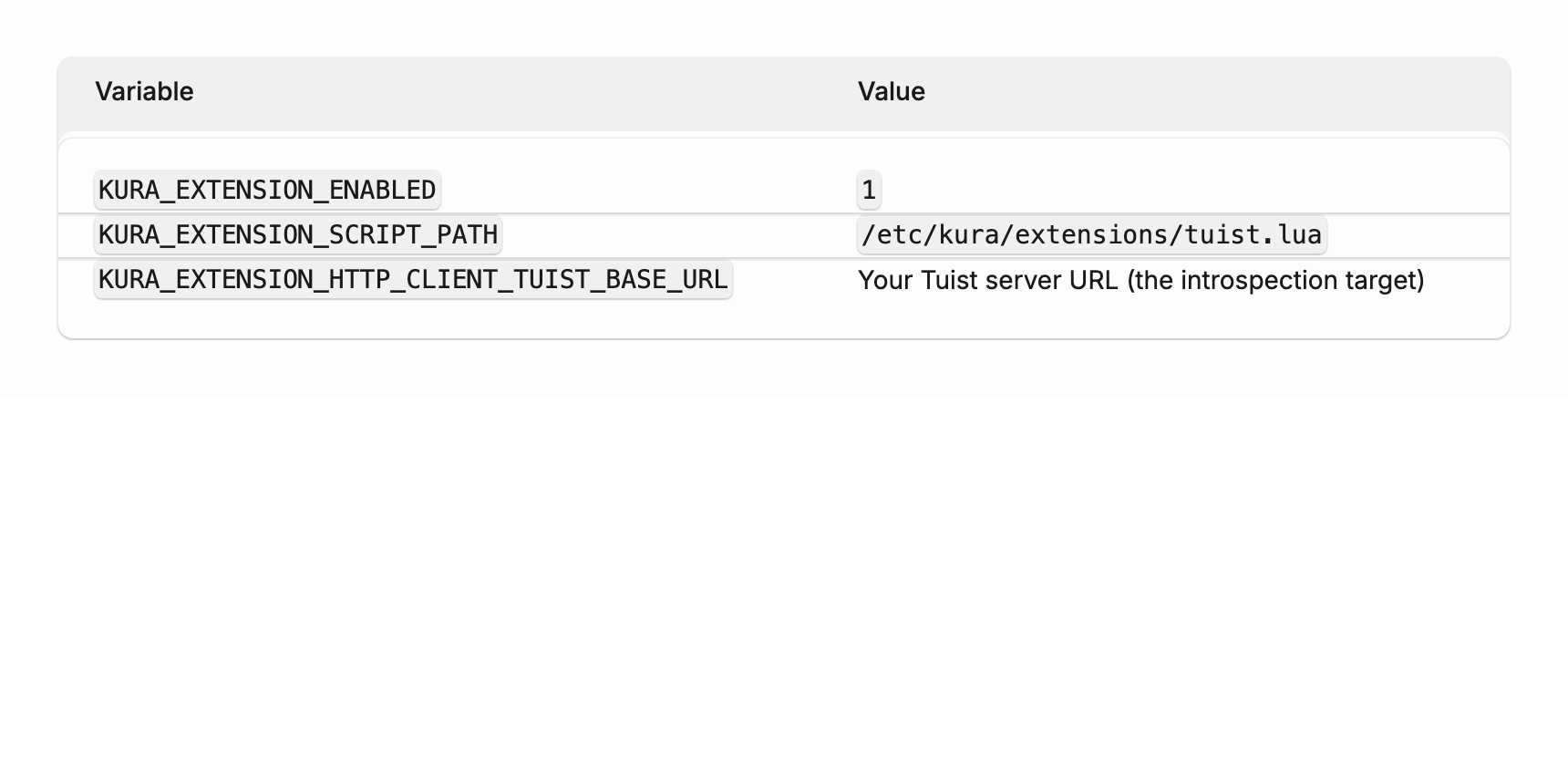
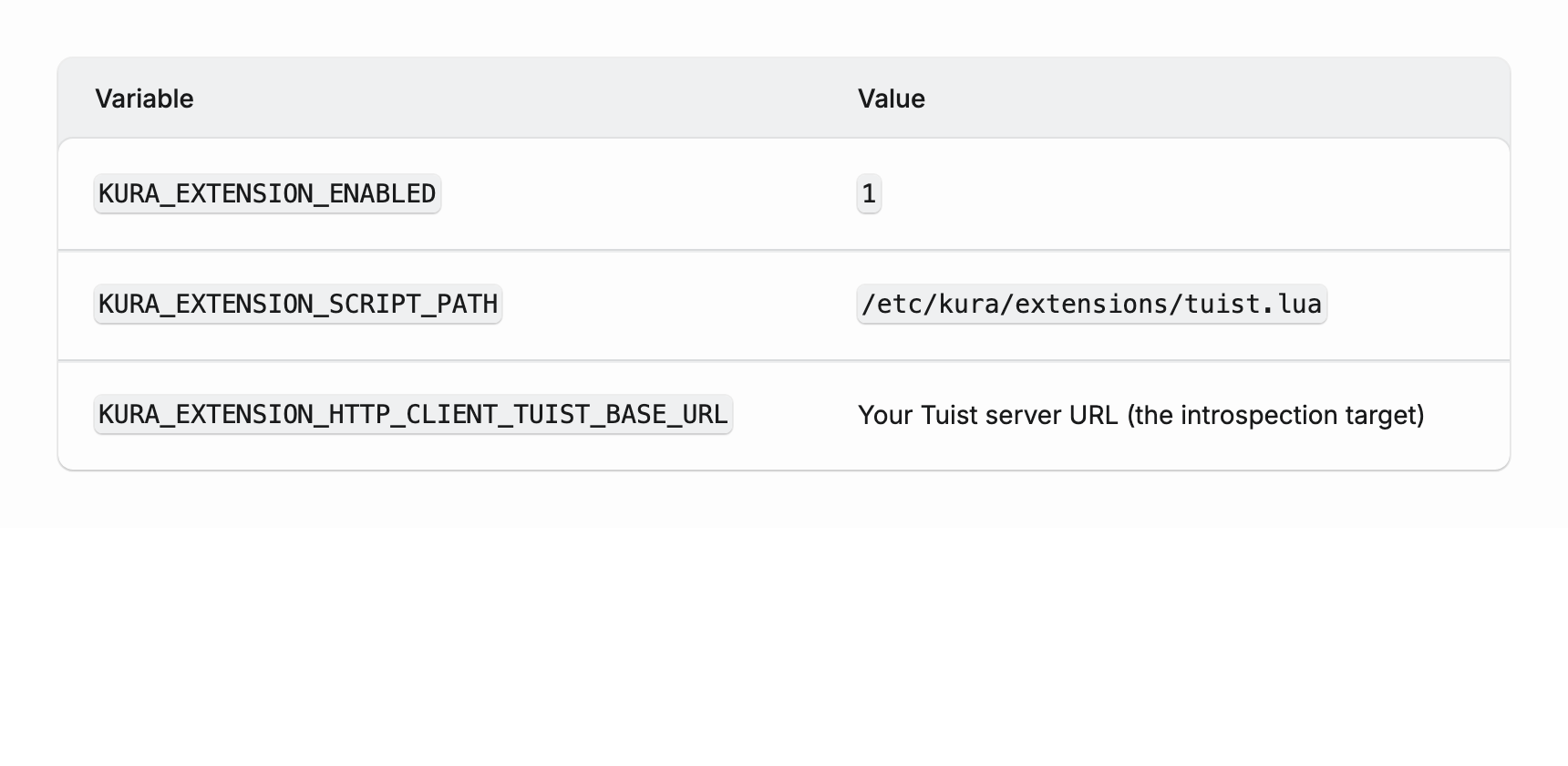
Markdown tables in the documentation site drifted from the Noora table design used across the app: data rows collapsed to a couple of pixels of vertical padding and looked cramped, the header was slightly too short so its bottom border sat in the wrong place, and the first row had a touch more padding than the app. This brings docs tables back in line with the app, pixel for pixel.
What changed
Three adjustments in server/assets/shared/css/prose.css, the shared stylesheet for rendered documentation:
- The rule that pads bare markdown
<td>cells now reads& .noora-table table tbody tr:not([data-part="expanded-row"]) td, adding:not([data-part="expanded-row"])to the row selector. - That same rule now uses
padding: var(--noora-spacing-7)instead of a hardcoded22px. - The
.noora-table thoverride was removed entirely.
Why
Documentation tables are real Noora tables: the renderer wraps every markdown table in the .noora-table structure (scroll container, header background, border, radius). Noora’s component puts the actual cell padding on [data-part="cell"] wrapper divs inside each <td>; markdown-generated tables have bare <td> elements with no wrapper, so the docs stylesheet supplies that padding directly. When the Noora table was redesigned in #11253 (https://github.com/tuist/tuist/pull/11253), the docs compensation rules fell out of sync with it.
Root cause
All three regressions trace back to #11253 changing Noora’s table while the docs compensation rules stayed put.
Row padding collapse: the redesign added :not([data-part="expanded-row"]) to Noora’s row-gap rules (tr:not(:first-child):not([data-part="expanded-row"]) td { padding-top: 2px } and its bottom counterpart), raising their CSS specificity from (0,2,3) to (0,3,3). The docs padding rule sits at (0,2,4). Before the redesign the docs rule won the cascade; afterwards Noora’s padding-top/bottom: 2px won, collapsing the vertical padding to 2px. CSS specificity is the (id, class, element) weighting the browser uses to pick between conflicting rules; see https://developer.mozilla.org/en-US/docs/Web/CSS/Specificity.
Header height: the redesign moved Noora’s th padding from var(--noora-spacing-4) (8px) to var(--noora-spacing-5) (12px) on top, sizing the header to exactly 44px, which is where the body border pseudo-element is hardcoded to start (table:has(td):after { top: 44px }). The docs stylesheet still carried an old th override pinning the top padding to 8px, making the header 40px tall and pushing it 4px out of alignment with that border.
First-row gap: the docs used a hardcoded 22px vertical cell padding, while Noora’s text cells use var(--noora-spacing-7) (20px). Noora excludes the first row from its +2px row-gap rule, so the app’s first row sits 20px below the header while the docs first row sat at 22px, leaving a slightly larger gap under the header.
Approach
For the padding collapse, adding :not([data-part="expanded-row"]) to the docs rule brings it to (0,3,4), so it beats Noora’s (0,3,3) again. I preferred this over wrapping markdown cells in [data-part="cell"] (a larger renderer change for no visual gain) or reaching for !important (a heavier hammer future rules would have to fight). Markdown tables never contain expanded rows, so the qualifier is harmless and reads as intentional.
For the header, the override only duplicated color, font, and text-align (already identical to Noora’s own th rule) on top of the stale padding, so removing it lets docs tables inherit Noora’s header verbatim. Switching the row padding to var(--noora-spacing-7) then matches Noora’s text-cell padding exactly. Both choices keep the docs in lockstep with the app rather than maintaining parallel values that can drift again.
All three fixes live in the shared prose stylesheet, so every markdown table across the docs benefits, not just the page where I noticed it.
Impact
Documentation readers get the correct, readable table layout back, visually identical to tables in the app. No content, renderer, or API changes. No migration.
Before and after
The screenshots render the exact table the docs produce (the .noora-table wrapper plus the markdown rows), using the real compiled docs stylesheet in each state.
Before:
After:
How to test locally
- Run the server docs locally (
mise run devfromserver/) and open a docs page with a markdown table, for example the cache self-hosting guide (server/priv/docs/en/guides/cache/self-host.md). - Confirm data rows have generous vertical padding, the header matches the app, and the divider between the header and the first row sits flush with the header bottom.
Validation
mix esbuild docsbuilds the docs CSS bundle cleanly.- Measured the rendered table with headless Chrome: the header is exactly 44px tall, the body border and the first row both start at 44px (perfectly aligned), and the first row’s top padding is now 20px, matching the app.
- Rendered the wrapped table with the real compiled stylesheet in both states; the before reproduces the reported cramped rows and short header, and the after matches the app.
- Rendered a real Noora component table next to the docs markdown table with identical content; header height, divider position, and row spacing are identical (the only difference is markdown wrapping values in inline
codechips).
Investigate, reproduce, or fix this item in an isolated repository. Each Flight preserves its outcome and agent session.
Start a Flight and preserve its objective, outcome, and session here.
No GitHub comments yet.